Additional Stripe Resources
How to Delete a Stripe Account
If you accidentally create a new Stripe account (by clicking "Create" when you were trying to connect Stripe to Mabel), it's easy to delete it.
-
Log into Stripe
-
From the upper-left corner, click your company name.
-
From the list of Stripe accounts, choose the newly created Stripe account.
Tip
The new account might have the same name as an existing Stripe account. Here are two ways to identify it:
- The new account will have no activity/transactions in it.
- Once you select the new account, it will probably have the name "Mabel" underneath your company name in the upper-left corner.
-
Once you're in the correct Stripe account (the one you want to delete), from the upper-right corner, click the gear icon.
-
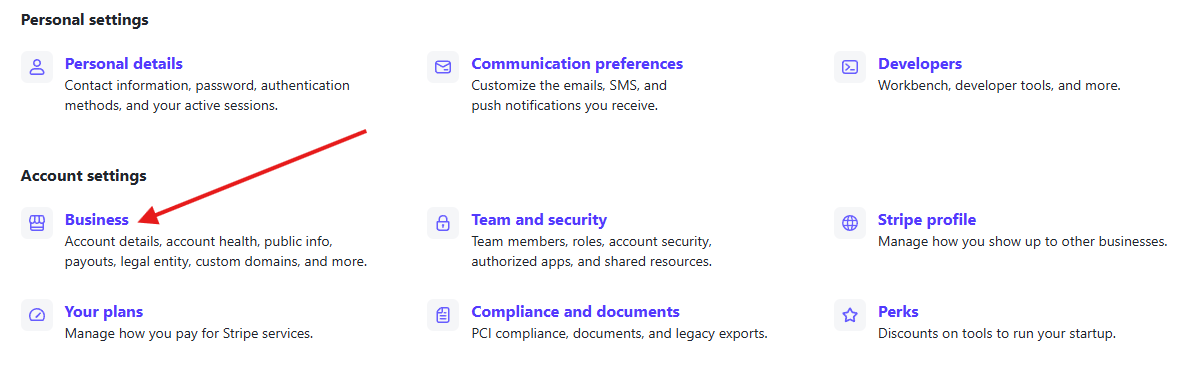
In the Account Settings section, click "Business".
-
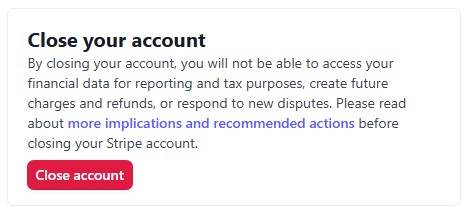
In the Account details section, scroll to the bottom of the page and click "Close account", and confirm you want to close the account.